
Role
Everything, end to end: the 3D renders, the website, the logo, the art direction and the presentation videos.
Project / 01
3D renders, website, logo, art direction and videos

The starting point
Showing a website or an identity in motion usually takes 3D software, hours of rendering and a motion designer’s eye. At Myrak we needed it for every project. That is how Mockuplab began: a browser editor where you drop in your visual, choose a device, a set and a light, then export a video ready for social media.
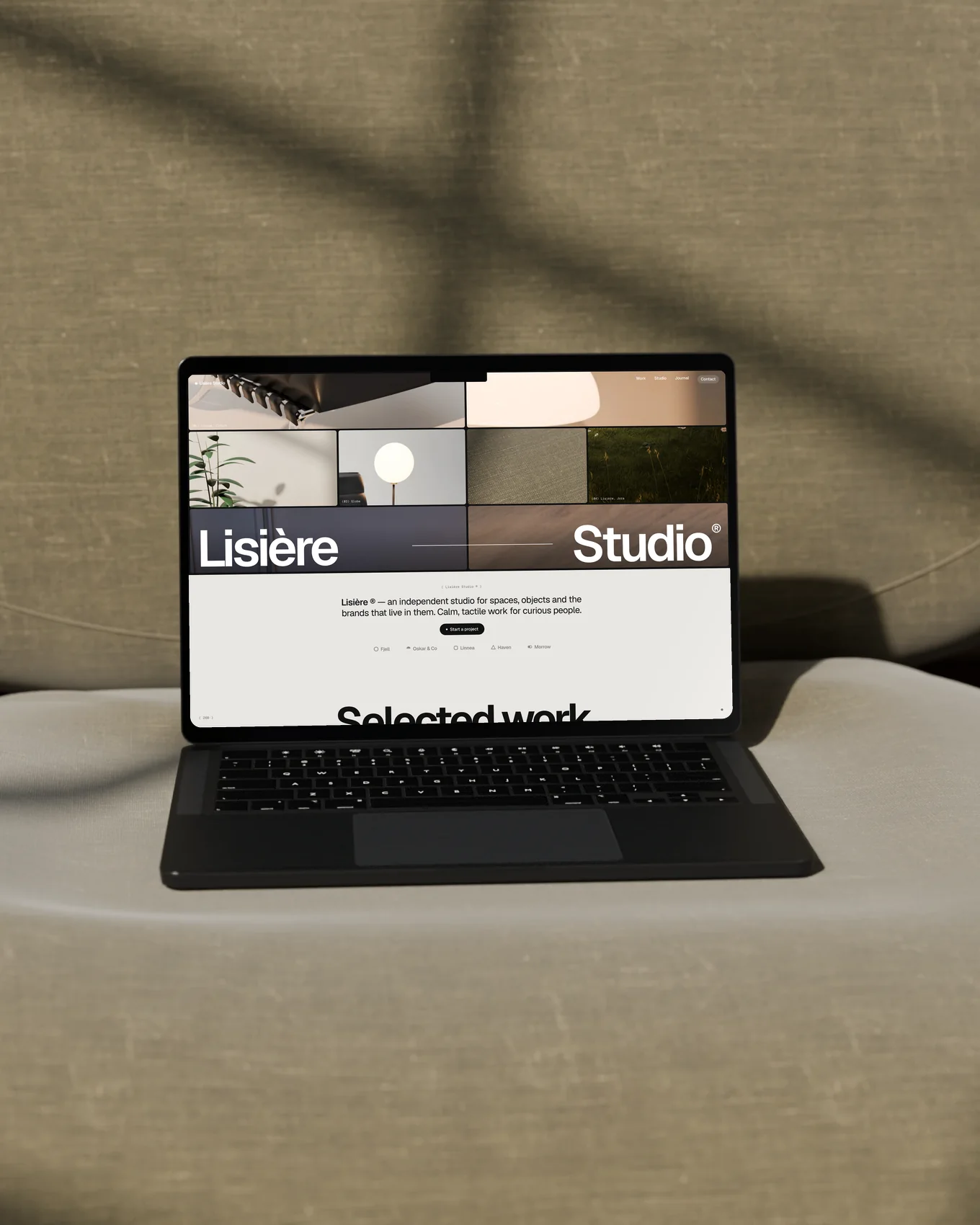
To present it, we used the tool itself: every animated mockup in the film below comes out of Mockuplab, around a website imagined for the occasion, Lisière Studio.
Made by Myrak
Nine Blender sets.
The editor, end to end.
The ink and the favicon.
One calm tone, everywhere.
The film and the demos.
The film
46 seconds. The motion design is done by hand; every animated 3D screen in the film comes out of Mockuplab.
Everything, end to end: the 3D renders, the website, the logo, the art direction and the presentation videos.
3D sets, website and editor, animated logo, videos.
An animated mockup in minutes, ready for Instagram, LinkedIn or a client presentation.
Your design, in motion.
The identity
The logotype is painted in with a single brushstroke, then the ink comes alive: a drop swells between two letters, melts them together, then draws back so the word forms again. A simple word, drawn for a tool that sets images in motion.
Looping animation, drawn in SVG
The favicon: the inked “m” on a black square, readable even at 16 pixels.
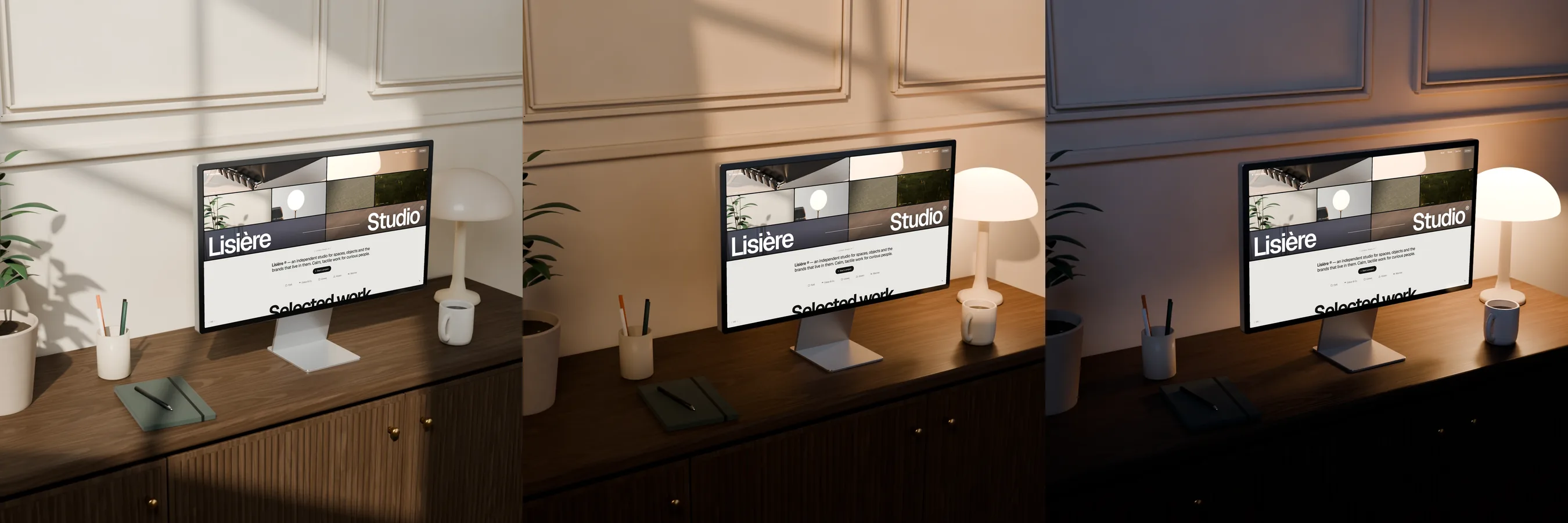
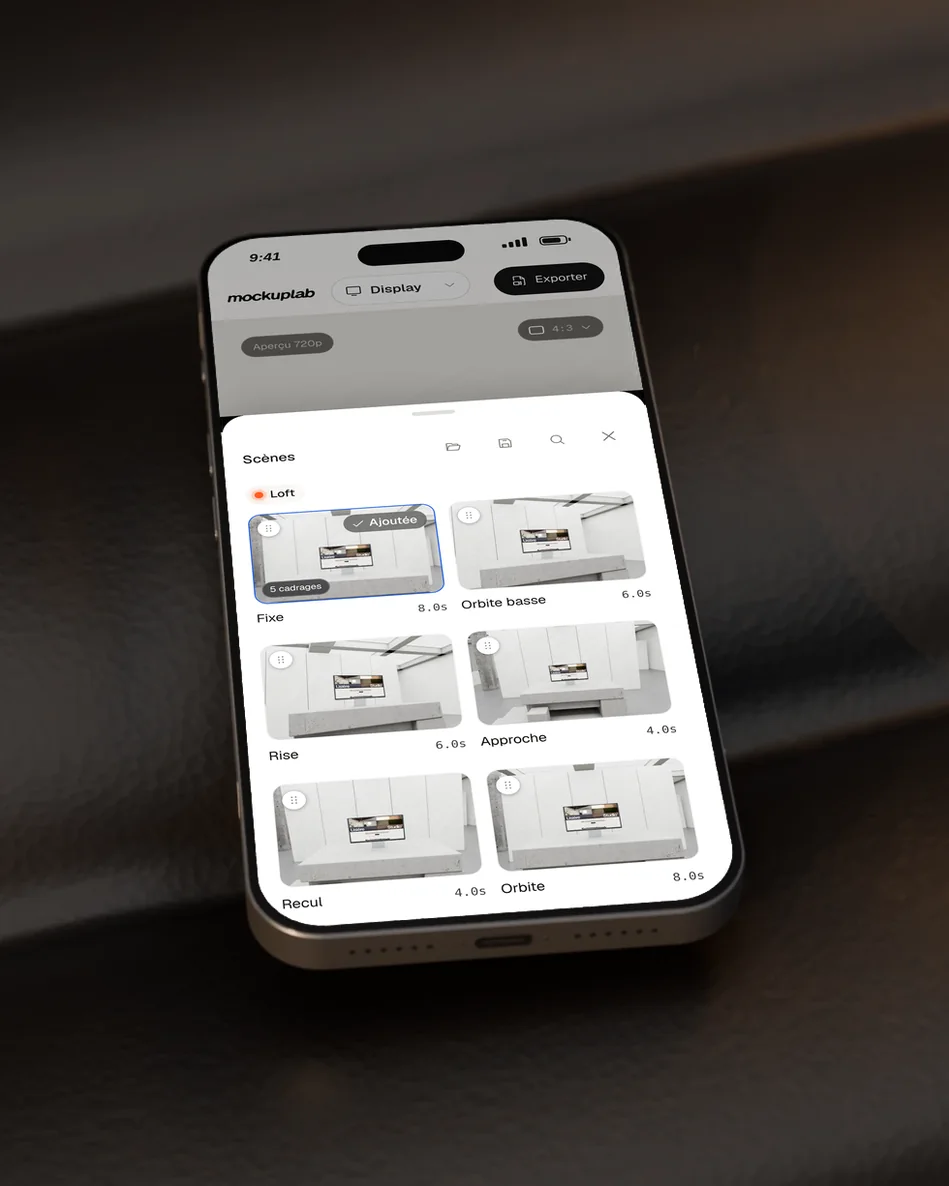
Nine sets modelled in Blender, from a concrete loft to a meadow, each with its own framings and camera moves: approach, orbit, pull-back, rise. Chain up to twelve shots, tune the transitions, add a title and an end card, then export in 16:9, 9:16, 1:1, 4:5 or 4:3.
The project line
“Drop in a visual, it comes out in motion.”
A tool born from a studio need, grown into a product of its own, from the first Blender set to the last export.
Open Mockuplab
 Mockuplab